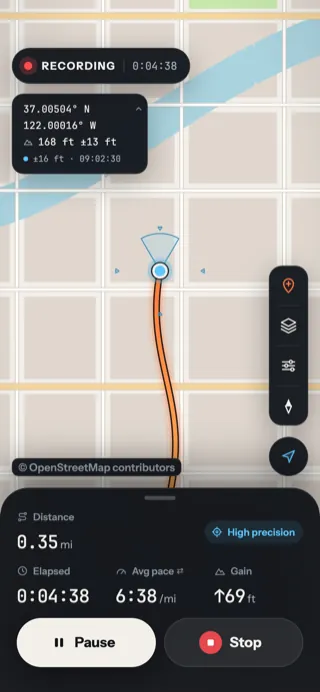
While you record, the bottom sheet shows four figures.
The recording sheet's four figures, in miles and feet (or kilometers and meters: see Units).
| Figure |
What it means |
| Distance |
How far you've gone, leaving out anything while paused |
| Elapsed |
Time since Start, leaving out pauses |
| Avg pace |
Minutes per mile (or kilometer) on average, so lower is faster |
| Gain |
Total climb. Small GPS wobbles are smoothed out so they don't add up to fake hills |
Pace or speed
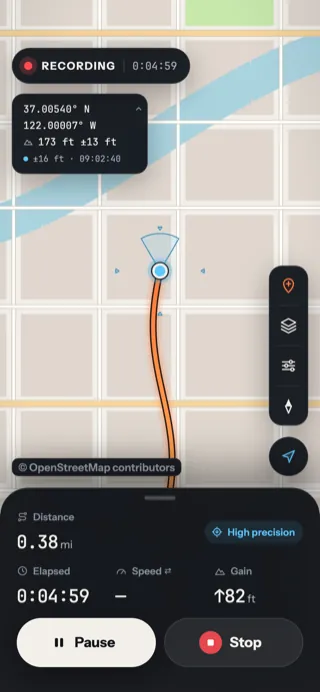
Tap Avg pace (it has a little ⇄ swap mark) to show your current speed instead. Tap again to switch back. Yut remembers your choice.
Avg pace
Best for walks, runs and rides you want to compare.
Speed
Miles (or km) per hour right now. Shows — when you're standing still.
Big distance
Want the distance readable at a glance on a handlebar mount? Turn on Large distance in Tracking options, under Appearance.
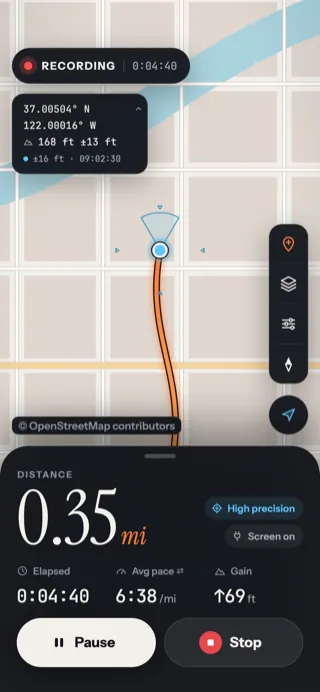
- 1The distance in big type.
- 2The chips stack beside it.
Fold the sheet away
Drag the sheet down, or tap its little handle, to shrink it to one line and see more map. Drag it up or tap again to bring it back.
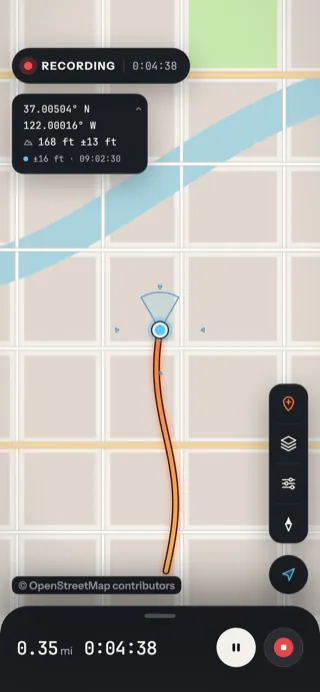
- 1The handle: tap it or drag the sheet.
- 2Distance and time stay in view.
- 3Pause and Stop still work, as small buttons.