Everything you can do with a route is at the bottom of its page. Open it from History and scroll down.
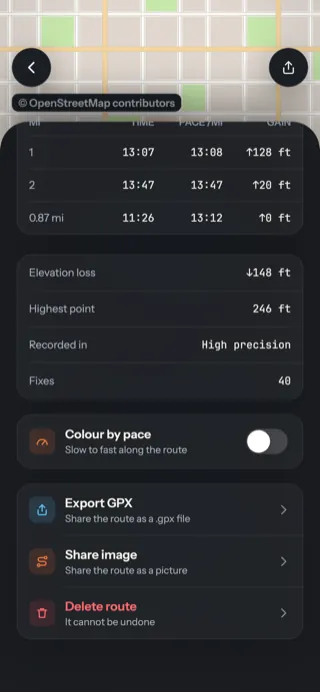
- 1Colour by pace — see A route's page.
- 2Export GPX — a file other apps and GPS devices can open.
- 3Share image — a picture of the route to send or post.
- 4Delete route — asks first.
What each one makes
Share image
A tall picture in your theme's colours with the route's outline, name, distance, time, pace and climb. No map.
Export GPX
A .gpx file named after the route, with your pins as waypoints. Opens in almost any map app.
Share link
A web page of the route anyone can open. Needs Backup. The first and last 200 m are hidden.
Rename
Tap the pencil beside the route's name. Clear the box and save to go back to the date and time.
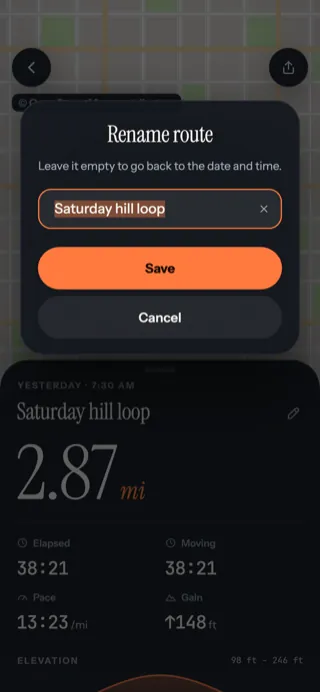
- 1Type a name, up to 60 characters. Emoji welcome.
- 2Save
Delete
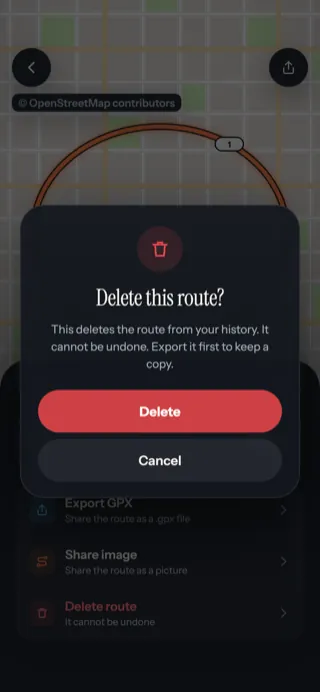
- 1Delete removes the route, its points and its pins for good.